 capcutx.app
CapCut APK › CapCut for PC
CapCut for PC: Download for Windows & Mac
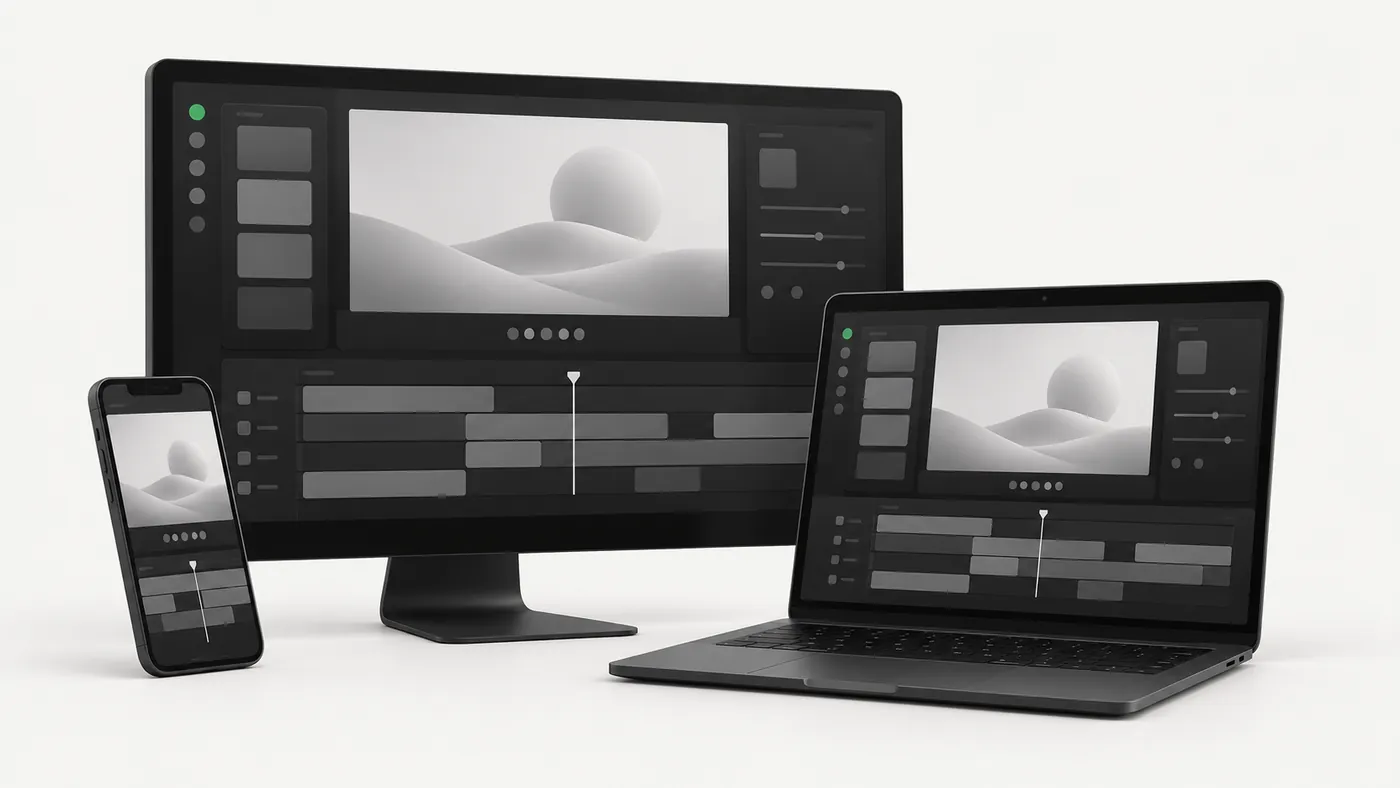
You don't need the CapCut APK to edit on a computer. CapCut has a free, official desktop app for Windows and macOS, plus a browser editor. Here's which one to pick and how to install it.
Download CapCut for PC / Mac (official)
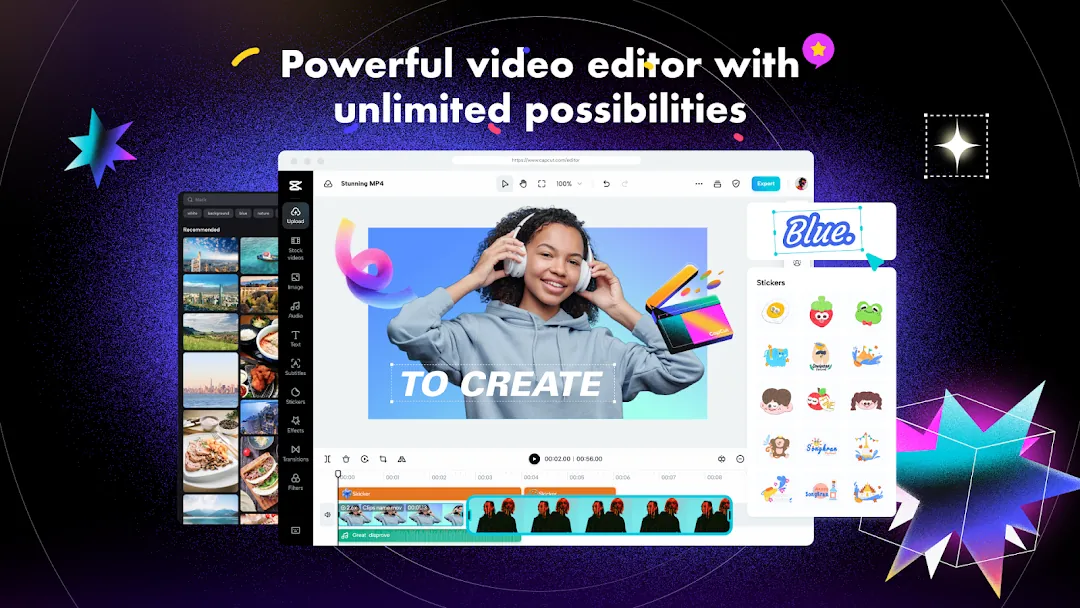
3 ways to use CapCut on a computer
| Option | Best for |
|---|---|
| Official desktop app | Most people. Fastest, works offline for basic edits, keyboard shortcuts, 4K export. |
| CapCut web editor | Chromebooks, work computers where you can't install software, quick edits. |
| APK + Android emulator | Only if you need a mobile-only feature. Slow and heavy, so we don't recommend it. |
Install CapCut on Windows 10 / 11
- Open the official CapCut desktop page and click Download for Windows.
- Run the downloaded installer and click Yes when Windows asks for permission.
- The installer downloads the rest of the app automatically. Wait for it to finish.
- Launch CapCut and sign in with TikTok, Google, Facebook or email to sync projects (optional).
CapCut is also listed in the Microsoft Store, which handles updates for you.
Install CapCut on Mac
- Download CapCut from the Mac App Store or the official CapCut site.
- If you used the website, open the
.dmgand drag CapCut into Applications. - Open CapCut from Launchpad. It runs natively on Apple Silicon (M-series) Macs.
CapCut for PC features
The desktop app has everything in the CapCut APK plus tools that work best with a mouse and a big screen. These short demos come from CapCut's official desktop page.
Effects and filters
Add trending effects, filters and transitions to your footage from a large built-in library.
Smart search
Find clips in your media by the objects, dialogue or people in them, which helps a lot on long projects.
Keyframes and graphs
Use keyframes with speed and motion graphs for smoother, more precise animation.
Color wheel and auto adjust
Color-grade your videos with professional color wheels, or let auto adjust balance them for you.
Script to video
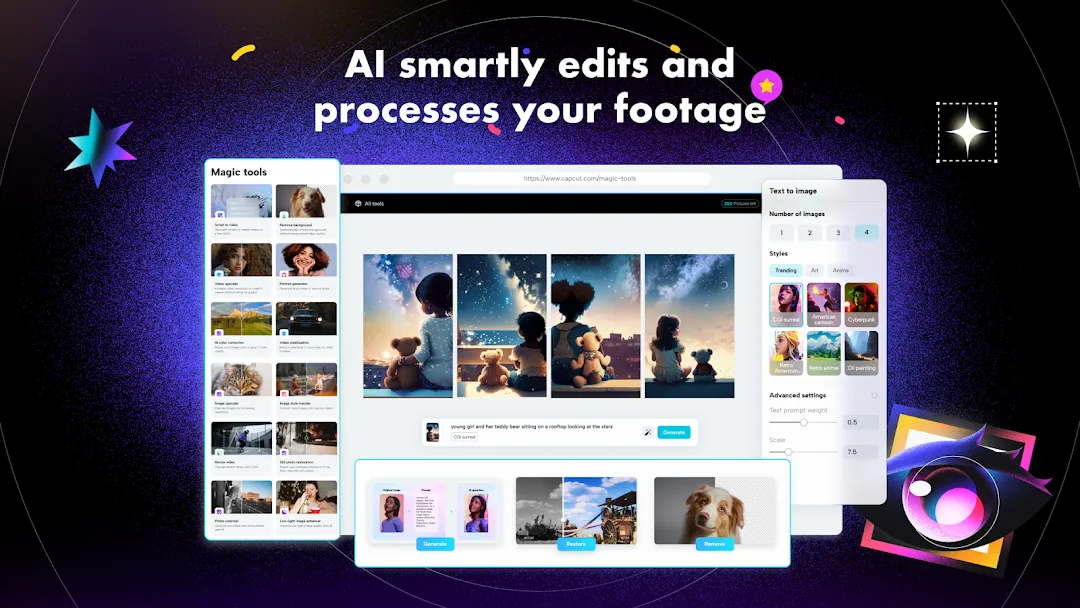
Type or generate a script, and CapCut builds a video from it with matching visuals.
Auto reframe
Change the aspect ratio (for example 16:9 to 9:16 for TikTok) while keeping the main subject in the frame.
CapCut PC system requirements
| Operating system | Windows 7 or later (Windows 10 recommended), or macOS 10.14 or later |
|---|---|
| Processor (recommended) | Intel Core i5 / AMD Ryzen 5 or better; Apple M1 or newer |
| RAM (recommended) | 8 GB, or 16 GB for 4K |
| Graphics | A GPU with up-to-date drivers (helps preview and export speed) |
| Storage | SSD with 10 GB+ free for cache and exports |
CapCut PC vs mobile
- PC is better for: long YouTube videos, multi-camera edits, precise trimming with a mouse, keyboard shortcuts, faster exports.
- Mobile is better for: quick TikToks and Reels, templates, editing on the go.
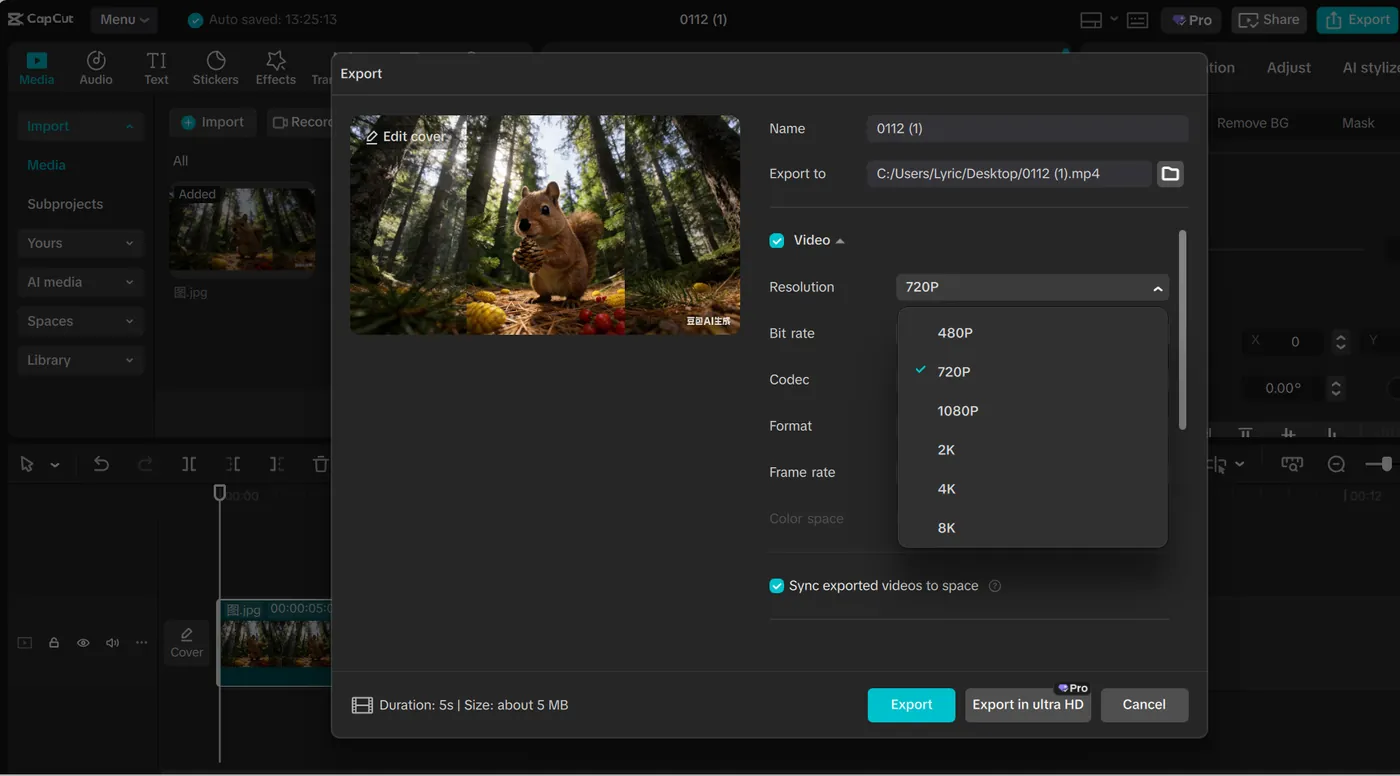
The desktop app also exports in 2K or 4K at up to 60 fps, with a custom bitrate:
What CapCut Desktop users say
These user reviews appear on CapCut's official desktop page. Reviews written in other languages are translated into English.
"We've been using CapCut for about 1 year and really enjoy the ease of use that it provides as well as being able to store things in the 'cloud' across our various devices."
kat-pin · Aug 2023
"I've been using it for about 3 months and the features are very good, especially when exporting videos: loading and rendering are very fast, which is great."
Stef_ic · Aug 2023 · Translated from Spanish
"It has everything you need to edit videos quickly and easily :-)"
Jünter Gauch · Aug 2023 · Translated from German
"It can be installed on any device, it has the option to upload to the cloud, and they keep releasing very good updates."
María Perna · Aug 2023 · Translated from Spanish
"I've been using it for months now and I have to say the service it offers for FREE is excellent... you can't find software like this for free."
CKingEdit · Aug 2023 · Translated from Italian
"I use it a lot and love how much easier it has made my work!"
FASIHQX · Aug 2023 · Translated from Portuguese
Running the CapCut APK in an emulator (not recommended)
If you really need the Android version on PC, install an emulator such as BlueStacks or the Android Studio emulator, then drag the CapCut APK onto its window. Expect slow previews and a much heavier load on your computer than the native app.
Frequently asked questions
Is CapCut for PC free?
Yes. The desktop app is free with optional CapCut Pro features, just like the mobile app.
Can I run the CapCut APK on Windows with an emulator?
You can, using an Android emulator such as BlueStacks, but it's slower and unnecessary. The official desktop app is faster and supports keyboard shortcuts and bigger exports.
Do my phone projects sync to the PC app?
Projects saved to CapCut's cloud space can be opened on other devices signed in to the same account. Local drafts stay on the device where they were made.
Does CapCut work on Windows 7?
Yes. CapCut's official desktop page lists Windows 7 or later (Windows 10 recommended) and macOS 10.14 or later. On very old or slow computers, the browser-based CapCut editor may run more smoothly.
Which video formats does CapCut for PC support?
CapCut Desktop imports and exports a wide range of common audio and video formats, including MP4 and MOV, and exports up to 4K at 60 fps.
Related guides
 How to Install CapCut APKStep-by-step guide to install the CapCut APK on any Android phone, tablet, Huawei device or Android TV, plus fixes for 'App not installed' and parsing errors.
 CapCut Mod APKThinking of downloading CapCut Mod APK or CapCut Pro APK unlocked? Learn the real risks (malware, bans, data theft) and safe ways to get Pro features.
 CapCut ProWhat do you get with CapCut Pro? Compare CapCut Free vs Pro features, how to check the price in your country, the free trial, and how to cancel.
 CapCut for iPhone & iPadHow to download CapCut on iPhone and iPad from the App Store, what to do if it's not available in your region, requirements, and iOS vs Android differences.
 CapCut TemplatesHow to find and use trending CapCut templates on Android and iPhone, how to edit them, export without the logo, and why templates sometimes don't show.
 CapCut Without WatermarkExport CapCut videos without a watermark for free.