CapCut APK › Install Guide
How to Install CapCut APK on Android: Step-by-Step Guide
Installing the CapCut APK takes about two minutes. This guide walks you through it on any Android phone, then shows how to fix the errors people hit most often.

CapCut APK Download
- Version
- Latest
- Size
- 305 MB
- Platform
- Android
- Price
- Free
Served directly from CapCut's official download server. capcutx.app doesn't host or modify files and isn't affiliated with CapCut or ByteDance.
Before you start
- Free space: the APK is about 305 MB. Keep at least 1–2 GB free so the install and the first run go smoothly.
- Stable connection: use Wi-Fi. A broken download is the #1 cause of install errors.
- Battery above 20%: some phones pause installs when the battery is low.
Install the CapCut APK in 6 steps
Step 1: Download the APK
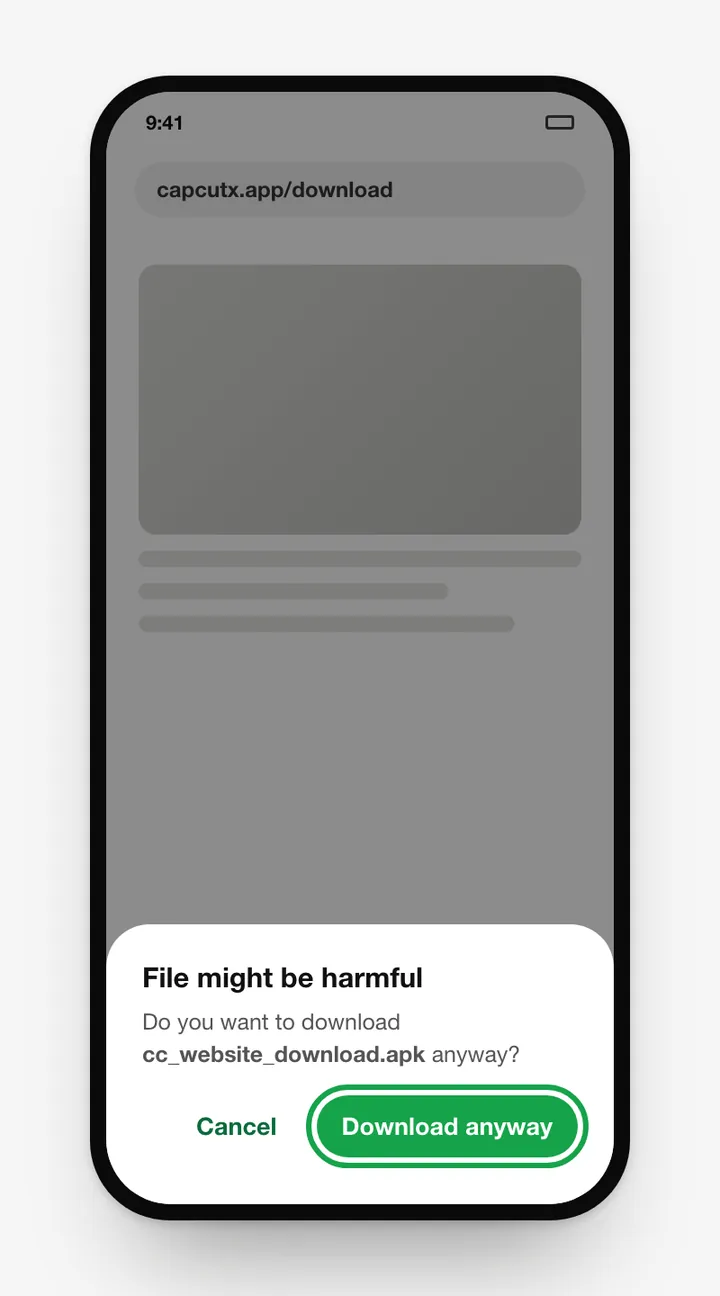
Tap Download CapCut APK above. The file comes from CapCut's own server. If your browser warns that "this type of file can harm your device", tap Download anyway. Android shows that warning for every APK, not just this one.
Step 2: Open the file
When the download finishes, tap the notification, or open Files → Downloads and tap cc_website_download.apk.
Step 3: Allow installs from this source
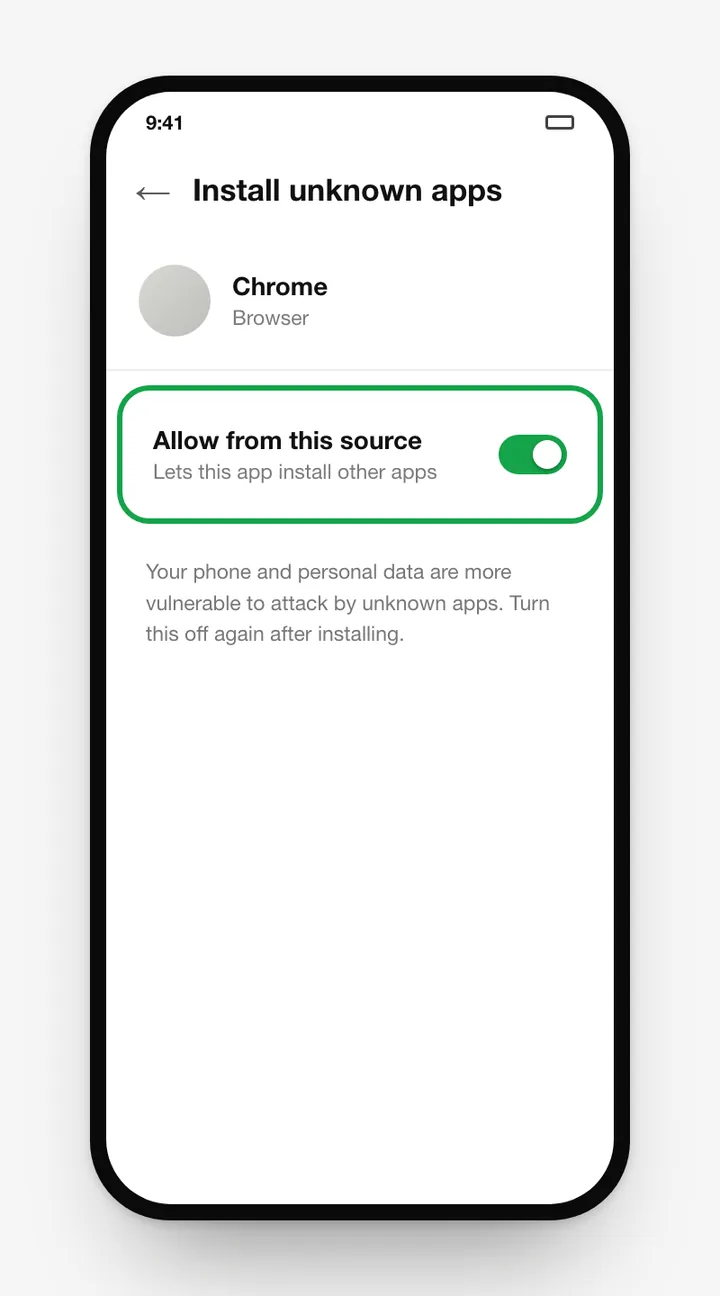
The first time, Android blocks the install and shows a Settings button. Tap it and turn on Allow from this source. Where to find it manually:
| Stock Android / Pixel | Settings → Apps → Special app access → Install unknown apps |
|---|---|
| Samsung (One UI) | Settings → Apps → ⋮ → Special access → Install unknown apps |
| Xiaomi / Redmi / POCO | Settings → Privacy protection → Special permissions → Install unknown apps |
| Oppo / Realme / OnePlus | Settings → Privacy → Install unknown apps (or Apps → Special app access) |
| Vivo | Settings → Security → Install unknown apps |
| Huawei / Honor | Settings → Security → More settings → Install apps from external sources |
Menu names vary a little between Android versions and skins.
Step 4: Tap Install
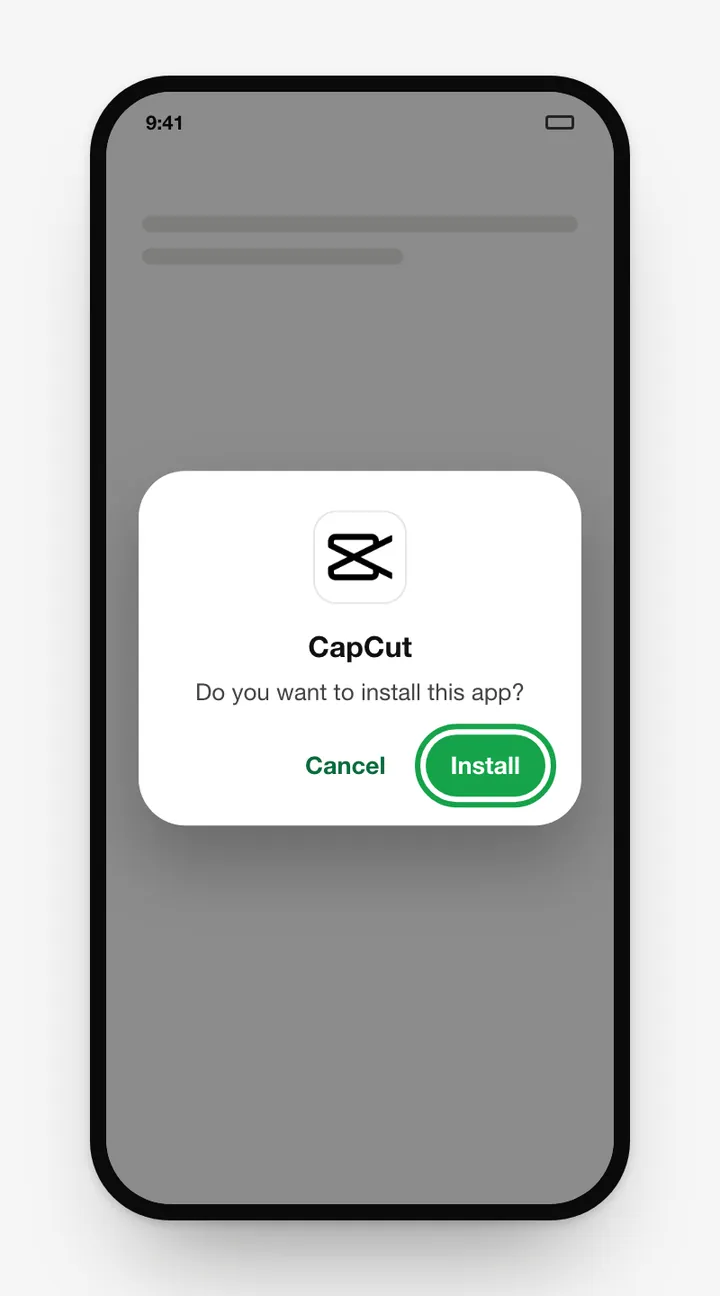
Go back to the install screen and tap Install. If Google Play Protect asks to scan the app, let it. The official CapCut APK passes.
Step 5: Open CapCut
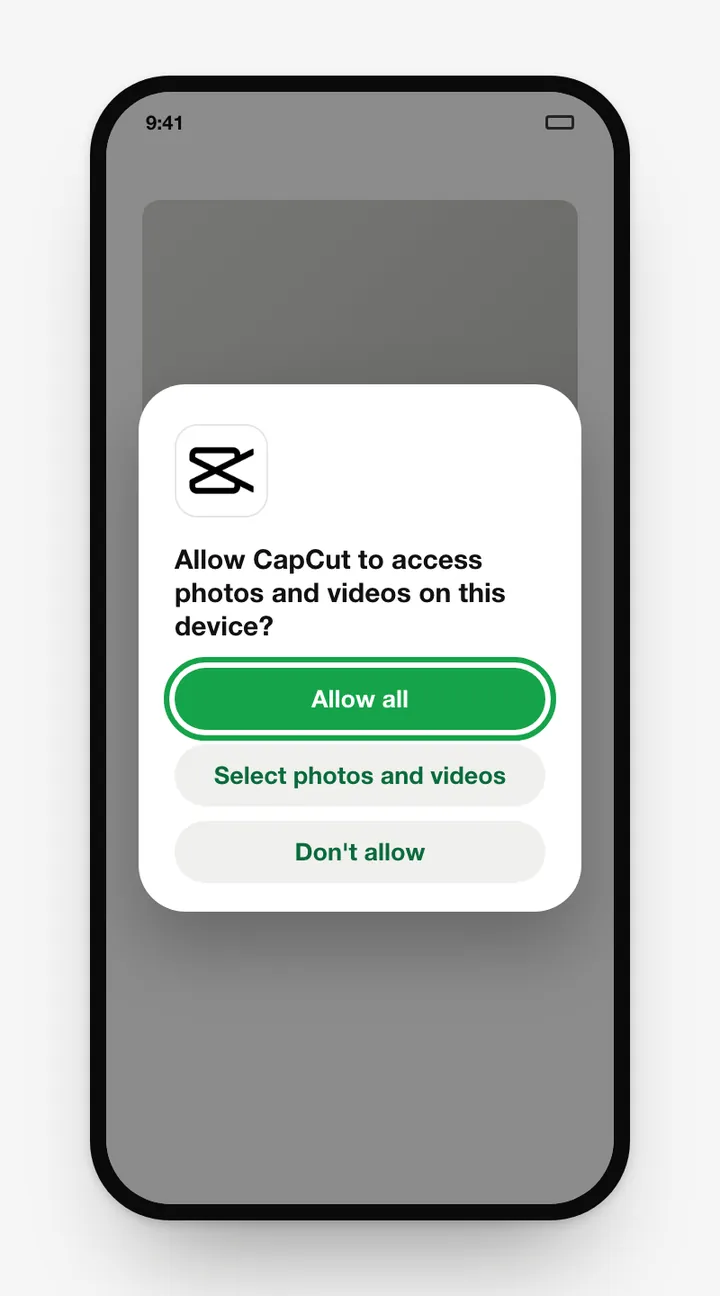
Tap Open, accept the terms, and allow access to photos, videos and (optionally) the microphone for voiceovers.
Step 6: Turn the permission off again
Go back to Install unknown apps and switch your browser back to Not allowed. It's a small habit that protects your phone.
Installing on Android TV, Fire TV and Chromebook
- Android TV / Google TV: install a file manager or the "Downloader" app, enable unknown sources for it, then open the APK. Editing on a TV is awkward, though. CapCut works best on touchscreens.
- Chromebook: most Chromebooks can install CapCut straight from Google Play. You can also use the CapCut web editor.
Fixing installation errors
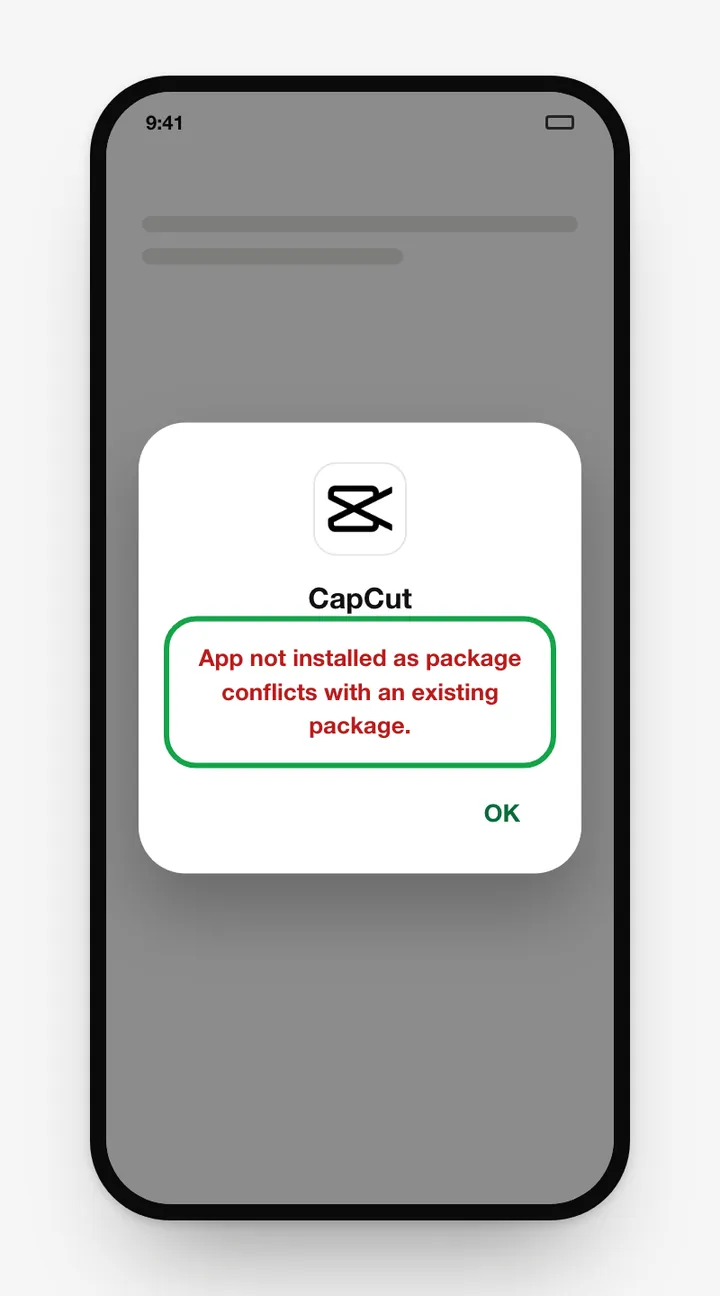
"App not installed" / "App not installed as package conflicts with an existing package"
Another version of CapCut with a different signature is already installed, often a mod or a copy from a third-party store. Back up any important projects, uninstall the existing CapCut, restart the phone and install again.
"There was a problem parsing the package"
The file is incomplete or your Android version is too old. Delete the file, download it again over Wi-Fi, and check that your phone is up to date.
"Install blocked" / "For your security, your phone is not allowed to install unknown apps"
The source permission isn't on. Repeat step 3 for the app you're opening the file with (Chrome, Files, and so on).
"Insufficient storage"
Android needs room for both the APK and the unpacked app. Free at least 1 GB by clearing caches or deleting old videos, then try again.
Play Protect warning
If Play Protect flags a file that claims to be CapCut, don't install it. It's probably not the official build. The file from this page's button comes from CapCut's official server.
Install works but the app crashes
See our CapCut not working fixes.
How to check you installed the real CapCut
- Open Settings → Apps → CapCut → App details. It should open CapCut's Google Play page, which confirms the package
com.lemon.lvoverseas. - The app should never ask for Accessibility, SMS or Device Admin permissions. CapCut doesn't need them.
Frequently asked questions
Do I need to root my phone to install the CapCut APK?
No. Installing an APK only needs the "Install unknown apps" permission for your browser or file manager. No root is required.
Will installing the APK delete my CapCut drafts?
No. Installing the official APK over an existing official install keeps your drafts and settings. Only uninstalling the app first removes local drafts.
Can I install the CapCut APK on Huawei phones?
Yes. Download the APK, open it with Huawei's Files app, and allow installs from that source when asked.
Is it safe to allow 'Install unknown apps'?
It's safe for a single trusted file. Turn the permission back off after installing so other apps can't silently install software.
Related guides
 CapCut for PCDownload CapCut for PC free on Windows 10, Windows 11 and macOS.
 CapCut Mod APKThinking of downloading CapCut Mod APK or CapCut Pro APK unlocked? Learn the real risks (malware, bans, data theft) and safe ways to get Pro features.
 CapCut ProWhat do you get with CapCut Pro? Compare CapCut Free vs Pro features, how to check the price in your country, the free trial, and how to cancel.
 CapCut for iPhone & iPadHow to download CapCut on iPhone and iPad from the App Store, what to do if it's not available in your region, requirements, and iOS vs Android differences.
 CapCut TemplatesHow to find and use trending CapCut templates on Android and iPhone, how to edit them, export without the logo, and why templates sometimes don't show.
 CapCut Without WatermarkExport CapCut videos without a watermark for free.