CapCut APK › CapCut Templates
CapCut Templates: How to Find and Use Trending Templates
CapCut templates are the fastest way to make a trending video. Pick a template, drop in your photos or clips, and CapCut handles the cuts, effects and music. Here's how to use them in the CapCut APK.

CapCut APK Download
- Version
- Latest
- Size
- 305 MB
- Platform
- Android
- Price
- Free
Served directly from CapCut's official download server. capcutx.app doesn't host or modify files and isn't affiliated with CapCut or ByteDance.
How to find CapCut templates
In the CapCut app
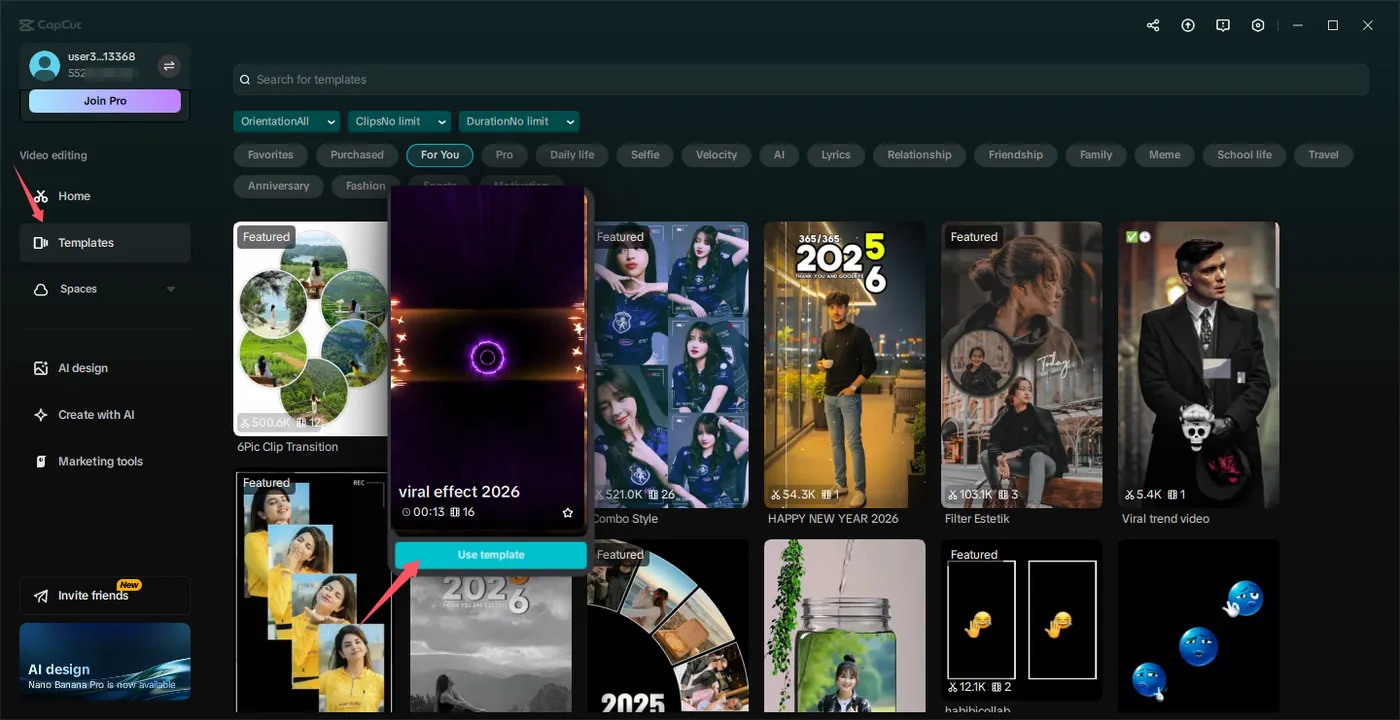
- Open CapCut and tap the Templates tab at the bottom.
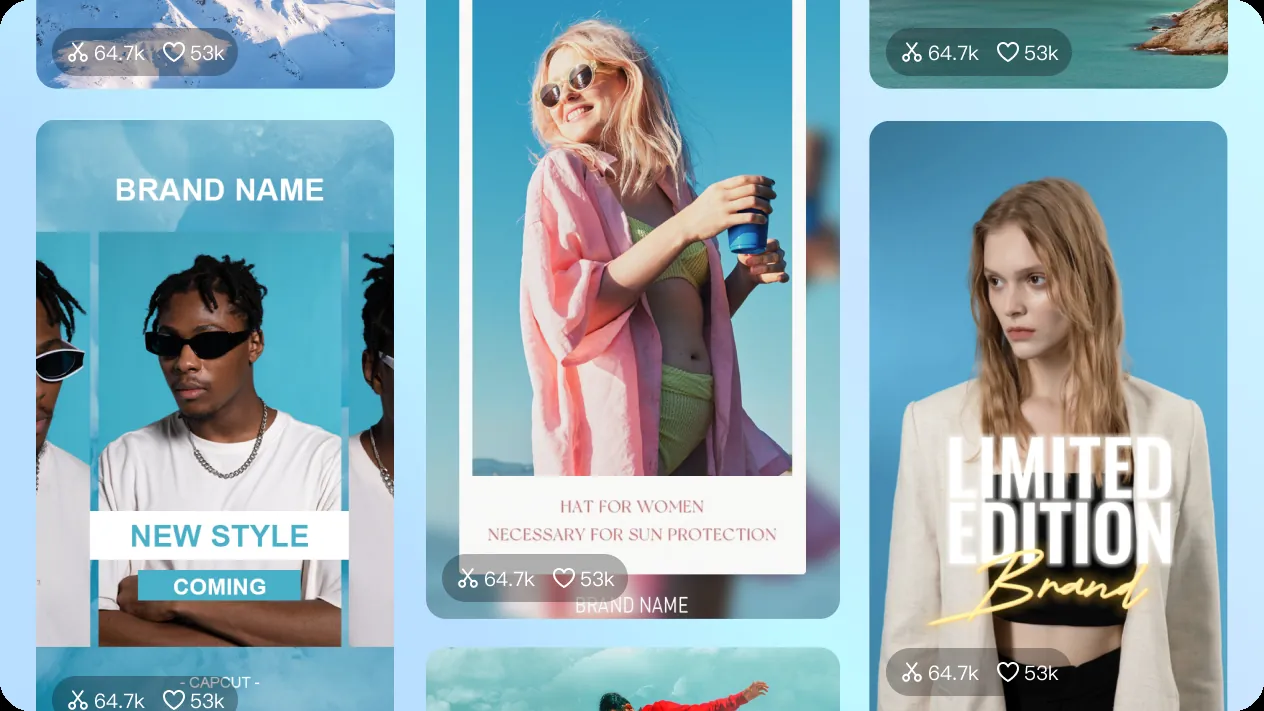
- Browse categories like For You, Trending, Lyrics, Slideshow, Velocity and Birthday.
- Use search to find a specific trend or song.
From TikTok
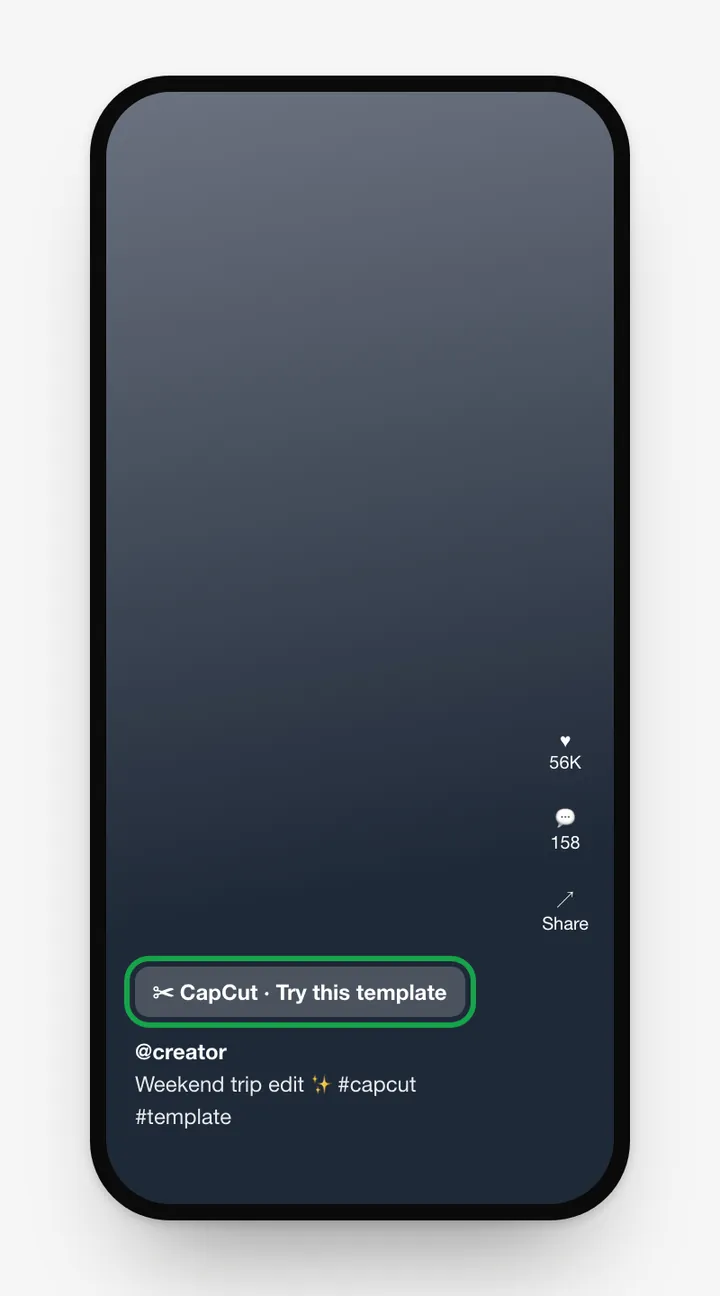
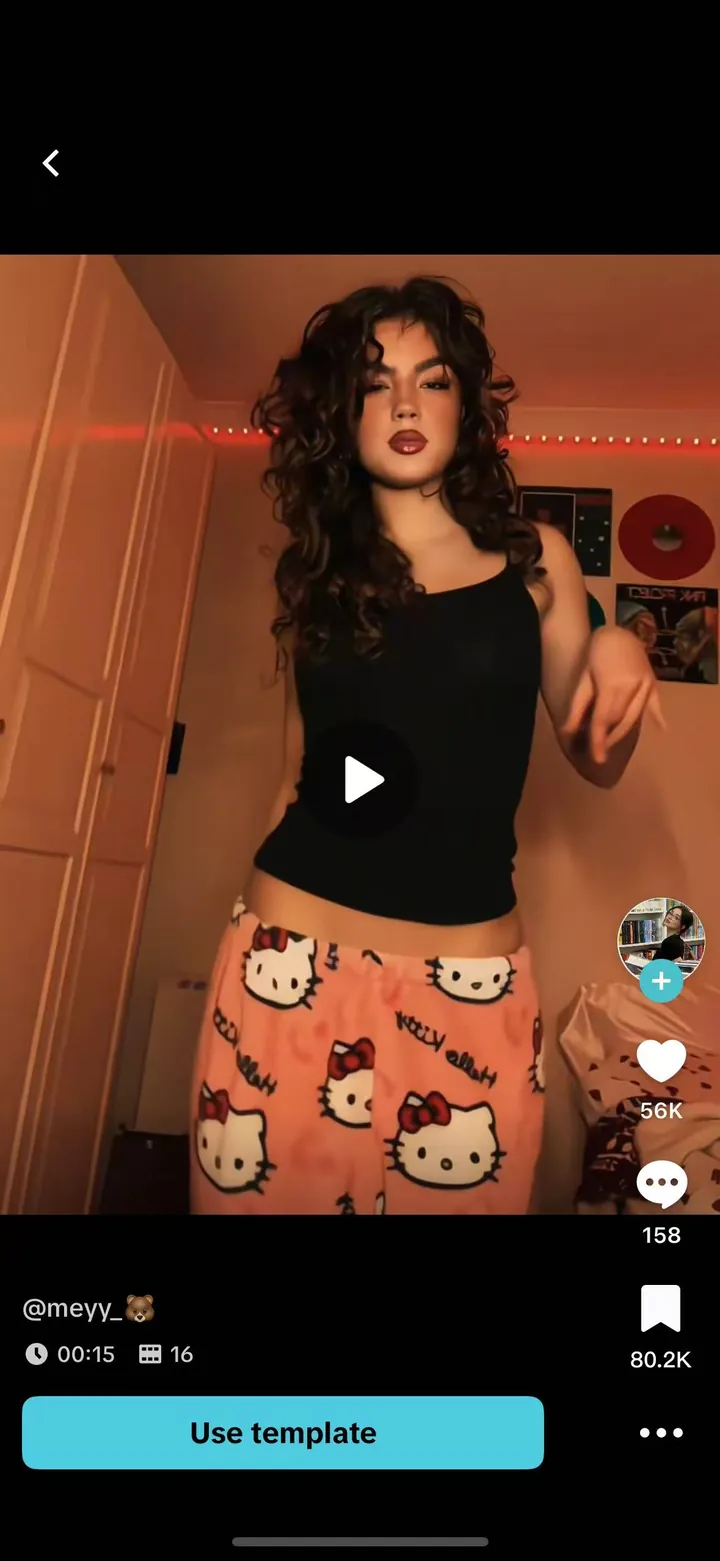
Videos made with a template show a CapCut · Try this template label above the caption. Tap it to open the same template in CapCut.
In AI Lab
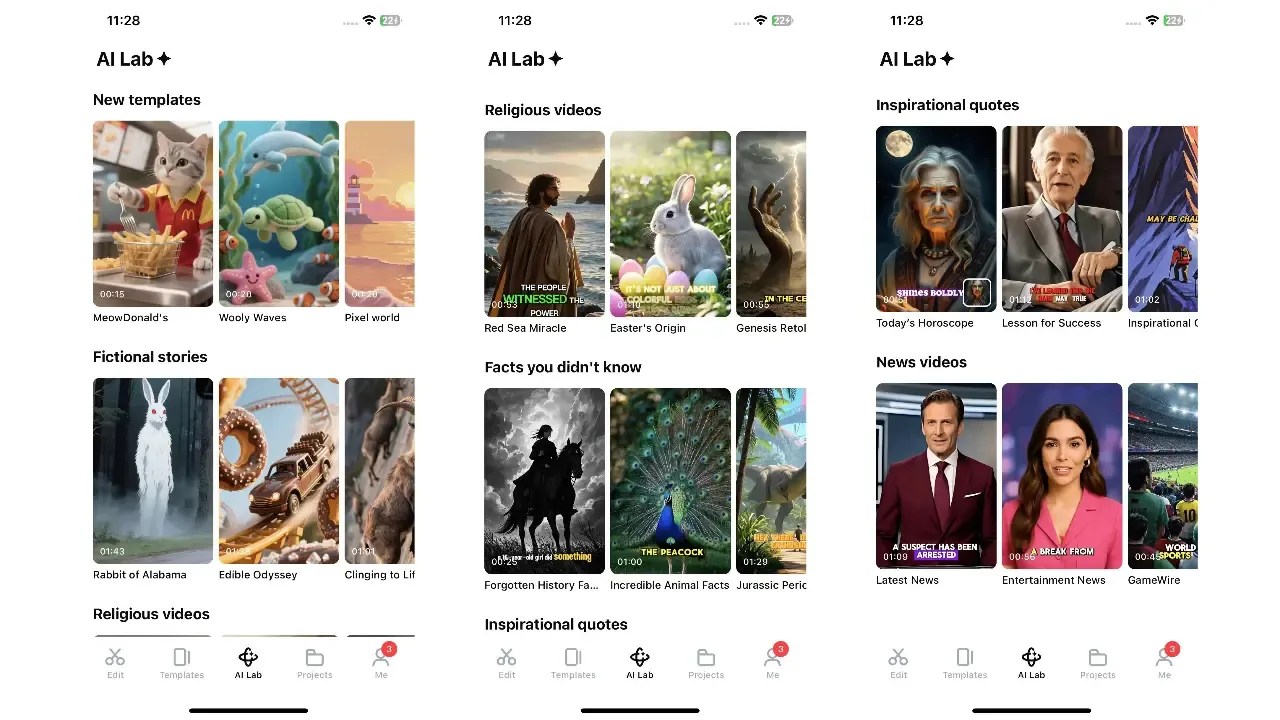
Recent versions of CapCut also have an AI Lab tab with AI-powered template formats: fictional stories, "facts you didn't know", inspirational quotes, religious stories and news-style videos. Pick a format, change the text, and CapCut generates the video for you. The AI Lab isn't available in every region.
How to use a template
- Open a template and tap Use template.
- Pick photos or clips. The template shows how many you need and how long each one is.
- Tap Preview, then tap any clip to replace, crop or adjust it.
- Edit the text by tapping the Text tab.
- Tap Export, choose the resolution, and save or share it directly to TikTok.
Tips for better template videos
- Match the clip length: short clips with clear motion look best in beat-synced templates.
- Use vertical media: most templates are 9:16.
- Good lighting: templates with heavy effects make poor lighting stand out more.
- Make it yours: change the text and swap the song if the template allows it, so your video stands out.
Exporting without the CapCut logo
Some templates add an ending clip with the CapCut logo. Our watermark guide shows how to remove it.
Templates not showing?
- Update to the latest CapCut APK.
- Check your internet connection and clear the app cache.
- The Templates tab isn't available in every region.
More fixes: CapCut not working.
Frequently asked questions
Are CapCut templates free?
Most templates are free. Some are marked Pro and need a CapCut Pro subscription.
Why don't I see the Templates tab in CapCut?
Templates aren't offered in every region, and they need an internet connection and an up-to-date app. Update CapCut and check your connection.
How do I use a CapCut template from TikTok?
Tap the 'CapCut · Try this template' label above the caption on TikTok. It opens the template in CapCut, where you tap 'Use template'.
How do I remove the CapCut logo from a template video?
Before exporting, open the template in the full editor (if available) and delete the ending clip, or turn off the end screen in export settings when that option appears.
Related guides
 How to Install CapCut APKStep-by-step guide to install the CapCut APK on any Android phone, tablet, Huawei device or Android TV, plus fixes for 'App not installed' and parsing errors.
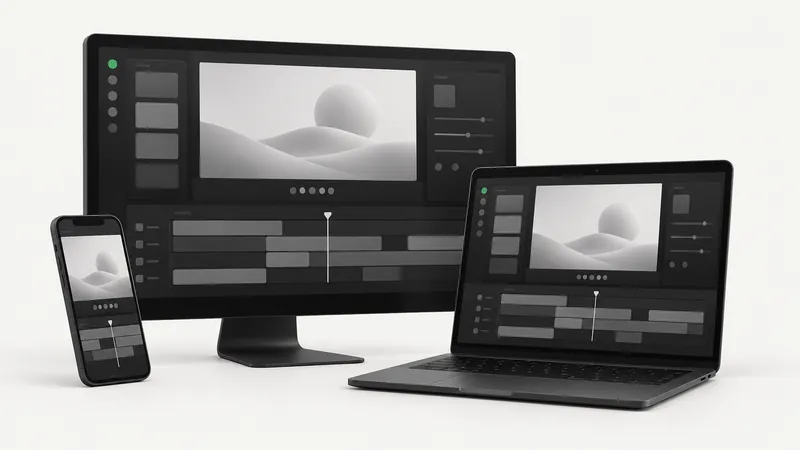 CapCut for PCDownload CapCut for PC free on Windows 10, Windows 11 and macOS.
 CapCut Mod APKThinking of downloading CapCut Mod APK or CapCut Pro APK unlocked? Learn the real risks (malware, bans, data theft) and safe ways to get Pro features.
 CapCut ProWhat do you get with CapCut Pro? Compare CapCut Free vs Pro features, how to check the price in your country, the free trial, and how to cancel.
 CapCut for iPhone & iPadHow to download CapCut on iPhone and iPad from the App Store, what to do if it's not available in your region, requirements, and iOS vs Android differences.
 CapCut Without WatermarkExport CapCut videos without a watermark for free.