CapCut APK › CapCut Pro
CapCut Pro: Features, Price and Is It Worth It?

CapCut Pro is the paid subscription for CapCut. It unlocks premium effects, templates, advanced AI tools and more cloud storage. Here's what it adds over the free CapCut APK, and who should pay for it.

CapCut APK Download
- Version
- Latest
- Size
- 305 MB
- Platform
- Android
- Price
- Free
Served directly from CapCut's official download server. capcutx.app doesn't host or modify files and isn't affiliated with CapCut or ByteDance.
CapCut Free vs Pro
| Feature | Free | Pro |
|---|---|---|
| Multi-track editing, text, stickers | Yes | Yes |
| Export up to 4K 60 fps | Yes | Yes |
| No watermark | Yes | Yes |
| Auto captions | Yes | Yes |
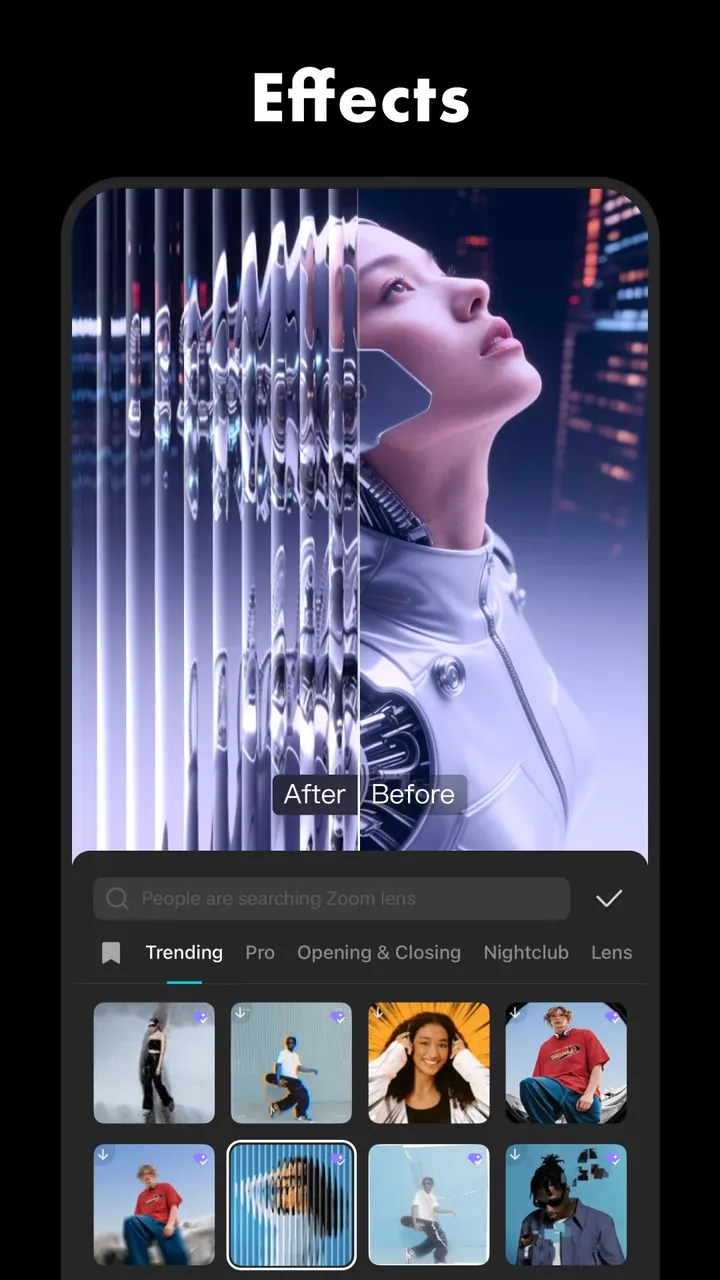
| Premium effects, filters, transitions | Limited | Yes, all |
| Premium templates | Limited | Yes |
| Advanced AI tools (enhance, retouch, voice, etc.) | Limited | Yes |
| Cloud storage | Small | Large |
Features change often. The Pro page inside the app always has the current list.
How much does CapCut Pro cost?
CapCut sets prices by country and platform, and there are monthly and yearly plans. To see your exact price:
- Open CapCut.
- Tap the Pro badge, or tap any item with a Pro label.
- The plans and prices for your region are shown before any payment.
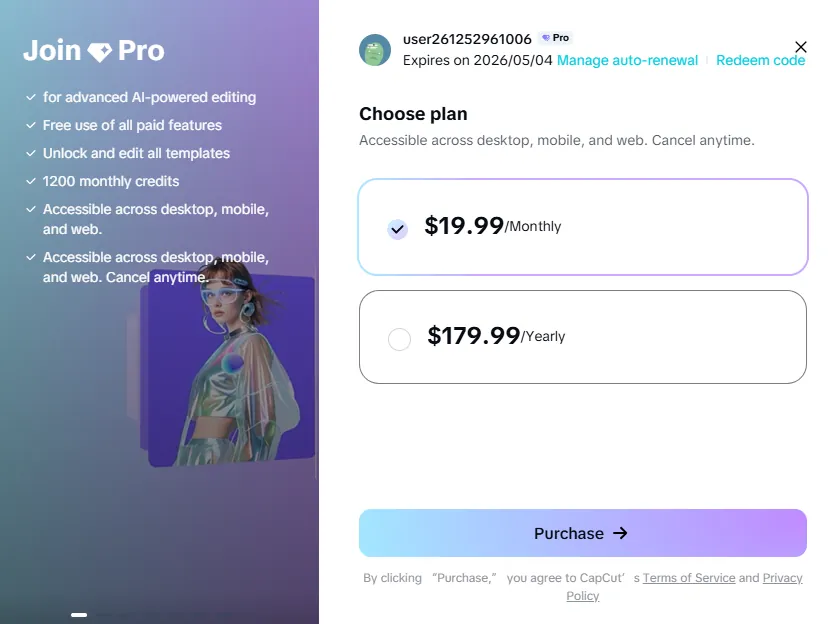
New users are often offered a free trial. Set a reminder to cancel before it renews if you don't want to keep it.
Is CapCut Pro worth it?
Worth it if you…
- post short videos every day and want fresh premium effects and templates,
- rely on AI tools to save editing time,
- edit on both phone and PC and need cloud space to move projects.
Skip it if you…
- edit occasionally: the free version covers almost everything,
- just want no watermark: free exports have none (details).
What about "CapCut Pro APK" downloads?
Sites offering "CapCut Pro APK free" are offering modified, unofficial apps. Read why CapCut Mod APKs are risky before you install anything like that.
Frequently asked questions
How much is CapCut Pro?
The price depends on your country, platform and whether you pay monthly or yearly. Open CapCut and tap the Pro badge to see your local price before you pay.
Does CapCut Pro work on all devices?
A Pro subscription is linked to your CapCut account, so you can generally use it on mobile, desktop and web when signed in to the same account. Check the subscription details in the app.
How do I cancel CapCut Pro?
Cancel where you subscribed: Google Play (Play Store → Payments & subscriptions → Subscriptions), the Apple App Store (Settings → your name → Subscriptions), or your CapCut account on the web.
Do I need Pro to remove the watermark?
No. Free exports have no watermark. The only logo is the optional ending clip, which you can delete.
Related guides
 How to Install CapCut APKStep-by-step guide to install the CapCut APK on any Android phone, tablet, Huawei device or Android TV, plus fixes for 'App not installed' and parsing errors.
 CapCut for PCDownload CapCut for PC free on Windows 10, Windows 11 and macOS.
 CapCut Mod APKThinking of downloading CapCut Mod APK or CapCut Pro APK unlocked? Learn the real risks (malware, bans, data theft) and safe ways to get Pro features.
 CapCut for iPhone & iPadHow to download CapCut on iPhone and iPad from the App Store, what to do if it's not available in your region, requirements, and iOS vs Android differences.
 CapCut TemplatesHow to find and use trending CapCut templates on Android and iPhone, how to edit them, export without the logo, and why templates sometimes don't show.
 CapCut Without WatermarkExport CapCut videos without a watermark for free.