CapCut APK › CapCut Old Version
CapCut Old Version APK: Should You Downgrade?
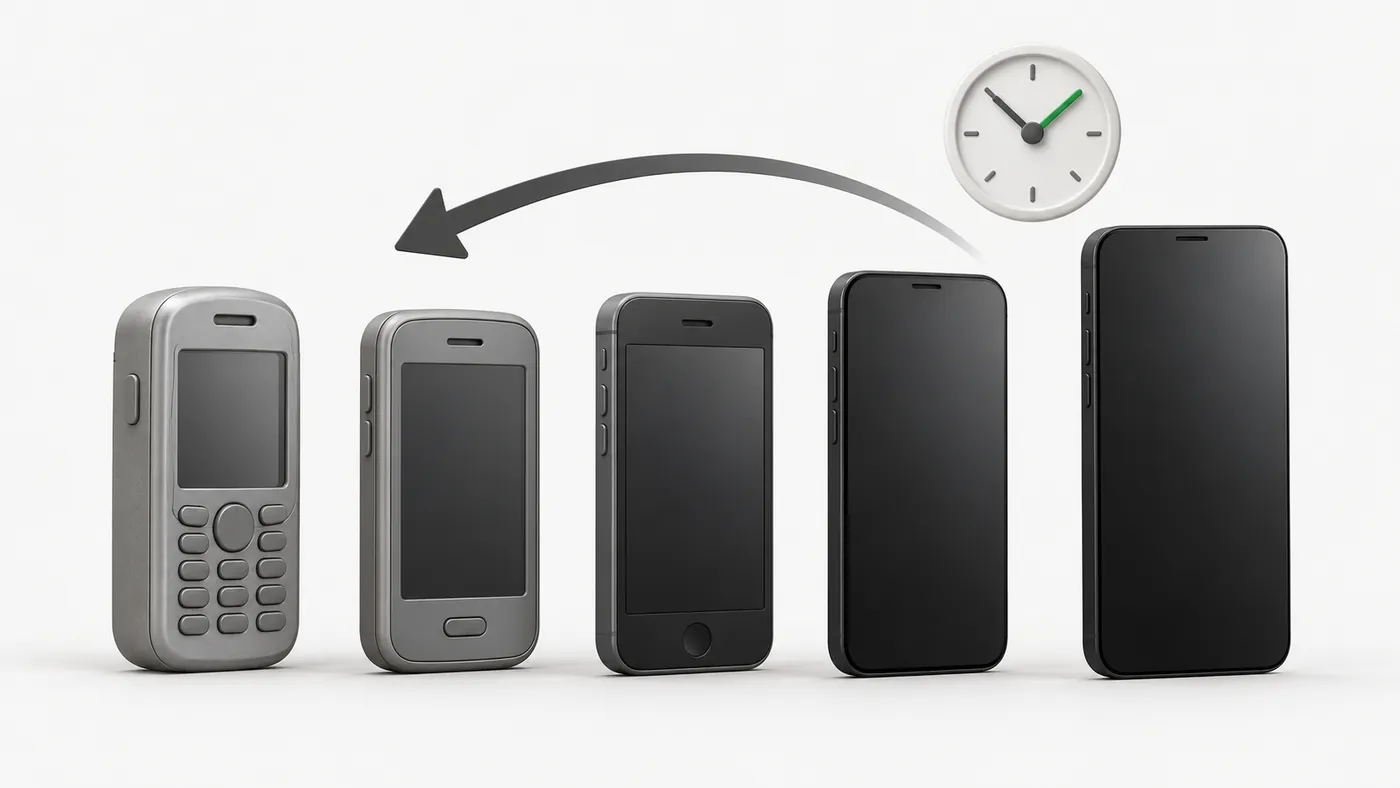
Some people look for a CapCut old version APK because a feature changed, an update feels slower, or their phone is old. Here's when downgrading makes sense, and how to do it without losing your work.

CapCut APK Download
- Version
- Latest
- Size
- 305 MB
- Platform
- Android
- Price
- Free
Served directly from CapCut's official download server. capcutx.app doesn't host or modify files and isn't affiliated with CapCut or ByteDance.
Why people downgrade
- A favourite feature or effect moved or was changed.
- The new version lags on an older or low-RAM phone.
- A specific bug appeared after an update.
Risks of old versions
- Missing features: server-based templates, effects, music and AI tools may stop working.
- Security: you miss security patches.
- Fake files: "old version" downloads are a common way to spread modified APKs. Read why mods are risky.
- Lost drafts: downgrading means uninstalling, which removes local drafts.
How to downgrade safely
- Back up drafts: upload important projects to CapCut's cloud space, or export them as videos.
- Get a genuine file: use only a reputable archive that verifies the developer signature. The package must be
com.lemon.lvoverseas, signed by ByteDance. - Uninstall the current CapCut.
- Install the older APK (see our install guide).
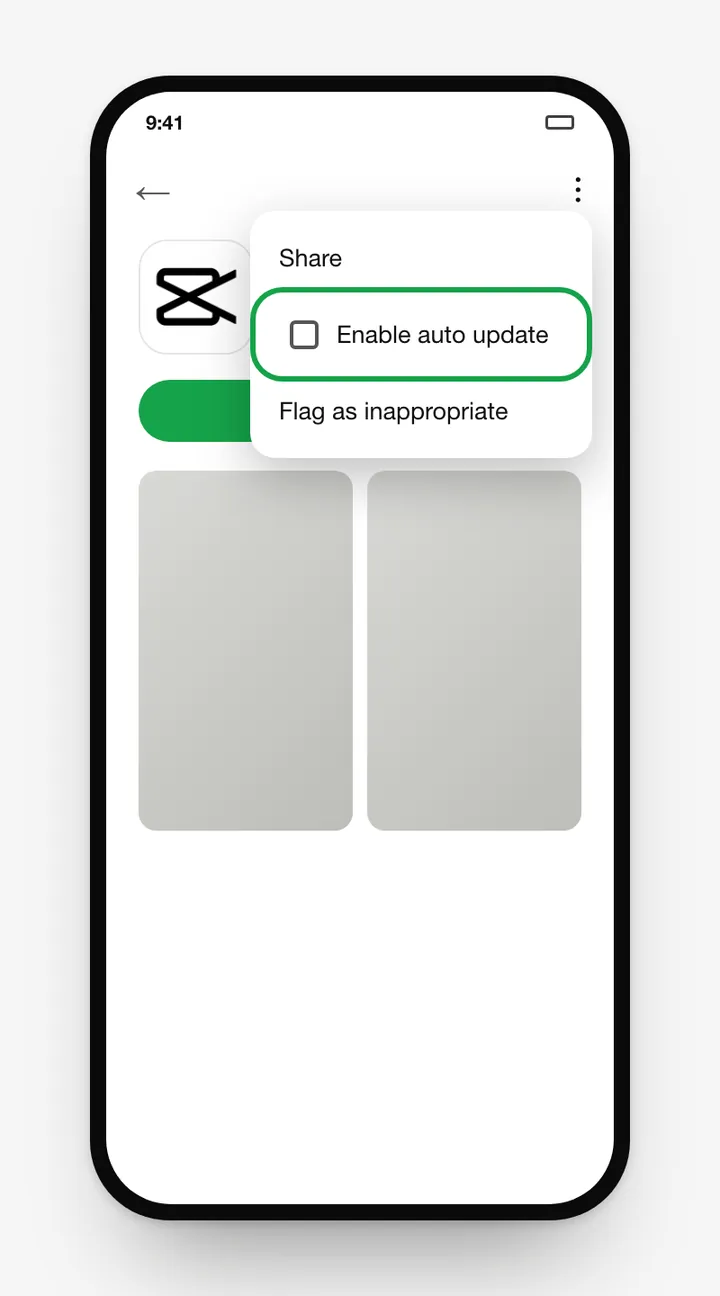
- Turn off auto-update in Google Play (CapCut page → ⋮ → uncheck Enable auto update).
Try these before downgrading
- Clear the cache and lower the preview quality (see performance fixes).
- Use CapCut for PC for heavy projects.
- Report the bug in Settings → Feedback. Fixes often arrive within a few updates.
Frequently asked questions
Can I install an older version of CapCut over the new one?
No. Android blocks installing an older version over a newer one. You have to uninstall first, which deletes local drafts.
Do old CapCut versions still work?
Very old versions often lose templates, effects, login and music because CapCut's servers change. Recent older versions usually work, but with fewer features.
Where can I get an older CapCut APK safely?
CapCut doesn't publish an official archive. If you must, use a well-known APK archive that checks the original developer signature, and confirm the package is com.lemon.lvoverseas.
How do I stop CapCut from auto-updating?
In Google Play, open CapCut's page, tap the ⋮ menu and turn off Enable auto update.
Related guides
 How to Install CapCut APKStep-by-step guide to install the CapCut APK on any Android phone, tablet, Huawei device or Android TV, plus fixes for 'App not installed' and parsing errors.
 CapCut for PCDownload CapCut for PC free on Windows 10, Windows 11 and macOS.
 CapCut Mod APKThinking of downloading CapCut Mod APK or CapCut Pro APK unlocked? Learn the real risks (malware, bans, data theft) and safe ways to get Pro features.
 CapCut ProWhat do you get with CapCut Pro? Compare CapCut Free vs Pro features, how to check the price in your country, the free trial, and how to cancel.
 CapCut for iPhone & iPadHow to download CapCut on iPhone and iPad from the App Store, what to do if it's not available in your region, requirements, and iOS vs Android differences.
 CapCut TemplatesHow to find and use trending CapCut templates on Android and iPhone, how to edit them, export without the logo, and why templates sometimes don't show.