CapCut APK › Download
Downloading CapCut APK

Your download will start in 3 seconds…
Download didn't start? Click hereThe file comes directly from CapCut's official download server (tiktokcdn.com). We don't host or modify it.
Install it in 3 steps
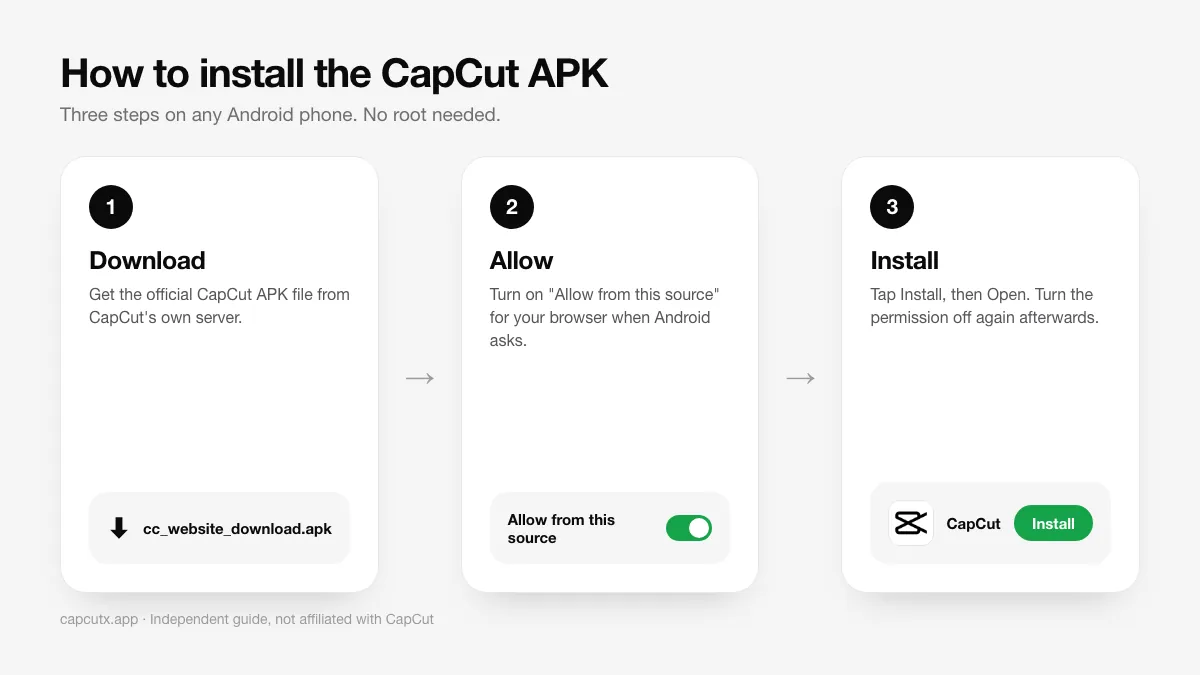
- Open the file. When the download finishes, tap the notification or open Files → Downloads and tap the CapCut APK.
- Allow the install. If Android asks, tap Settings and turn on Allow from this source, then go back.
- Tap Install, then Open. That's it. Turn "Install unknown apps" off again afterwards.
Getting "App not installed" or another error? See the fixes in our CapCut APK install guide.